Report sheets
Make a one-page PDF report sheet of IES and LDT files. One file needs no account; a free account makes up to 100 sheets in one job.
On this page
One file
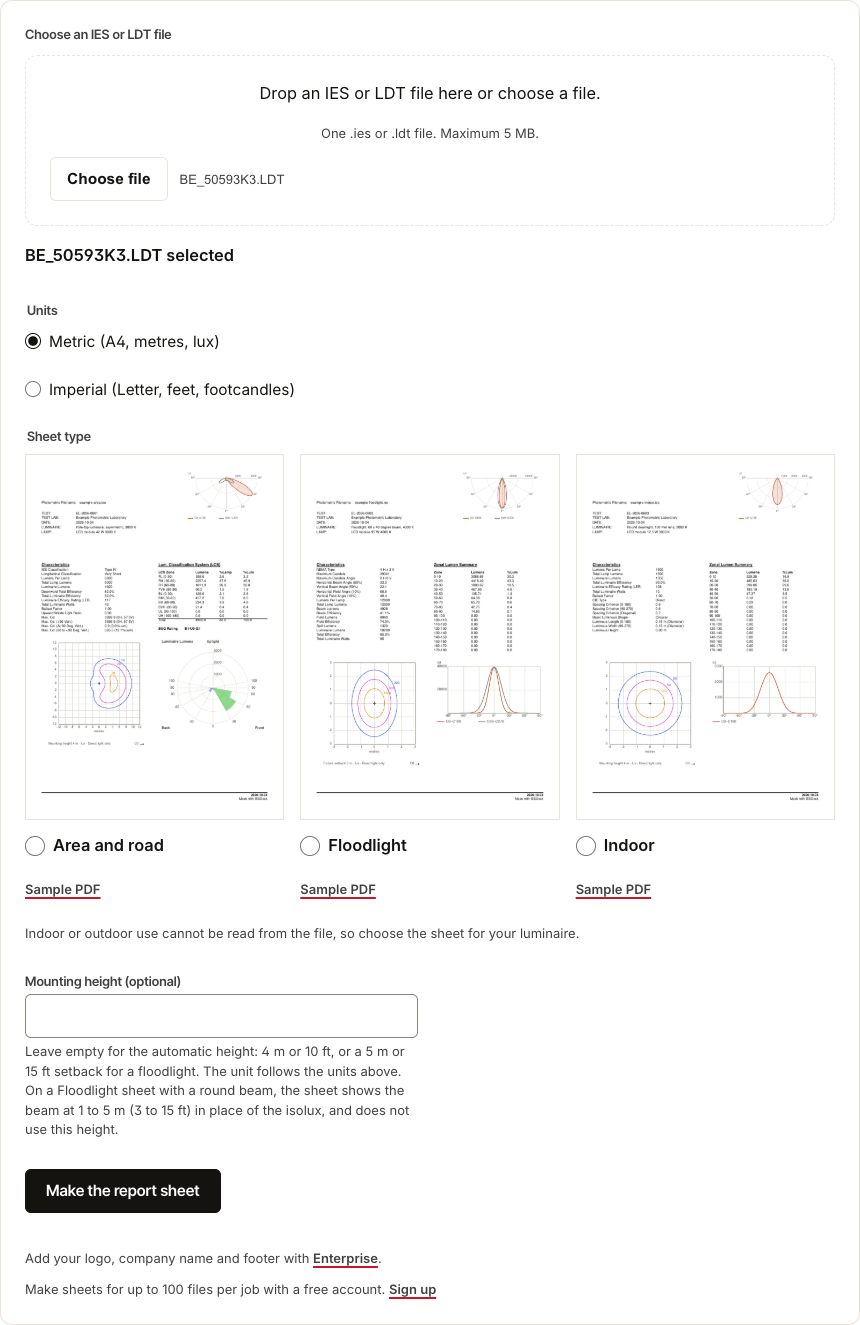
Open Tools, then Report sheets under Free tools. Choose the Units, Metric or Imperial, and the Sheet type: Area and road, Floodlight or Indoor. A file cannot say whether it is indoor or outdoor, so you choose. The mounting height is optional. Drop one file, then select Make the report sheet, and the PDF downloads.
Many files
Sign in, open Tools, then Report sheets under Free account. Drop the files and choose the same settings, then select Create report sheets. Tick Email me when the report sheets are ready to get one email at the end. When the job is done, Download ZIP gives one PDF for each file, and Download CSV the list of the files.
Your brand
With an Enterprise account, every sheet carries your logo, your company name and a footer line. Set them on your account page.
Where your files go
For one file, IESDesk keeps no copy, and the file stays unchanged. For many files, IESDesk deletes each file once its sheet is made, and the ZIP stays in Your files for 30 days. The privacy notice has the details.